
Darkroom Gallery9.4.0 - Google Play
You'll be able to see results in few seconds.
Publisher Description
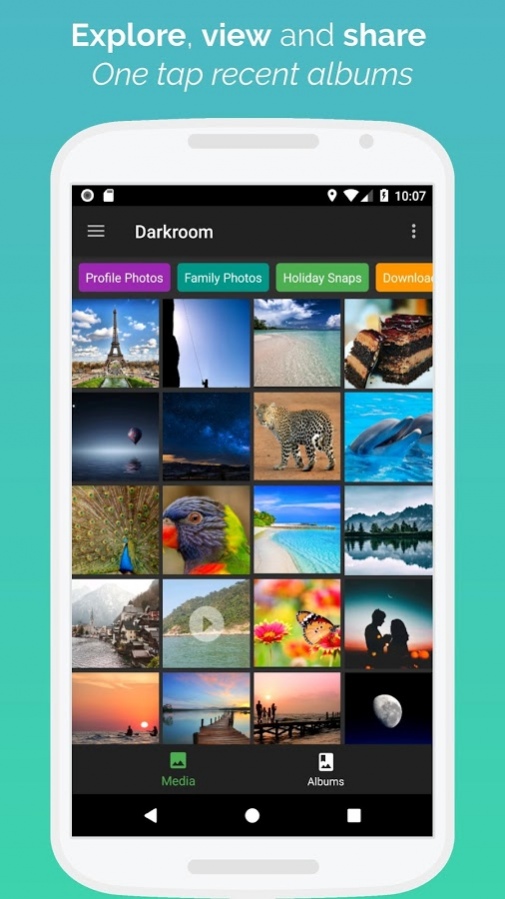
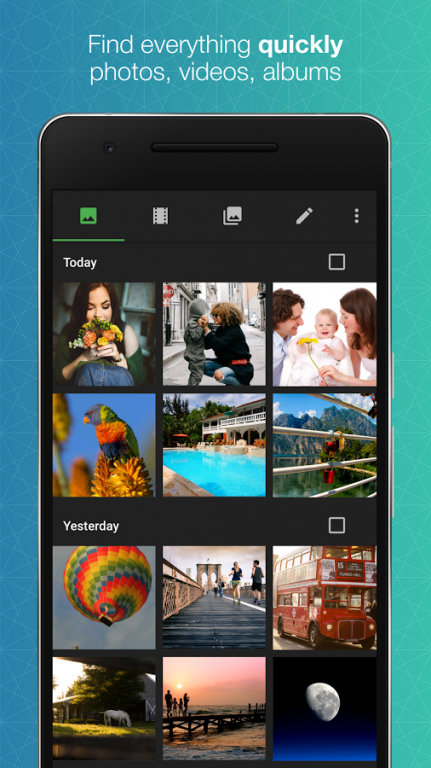
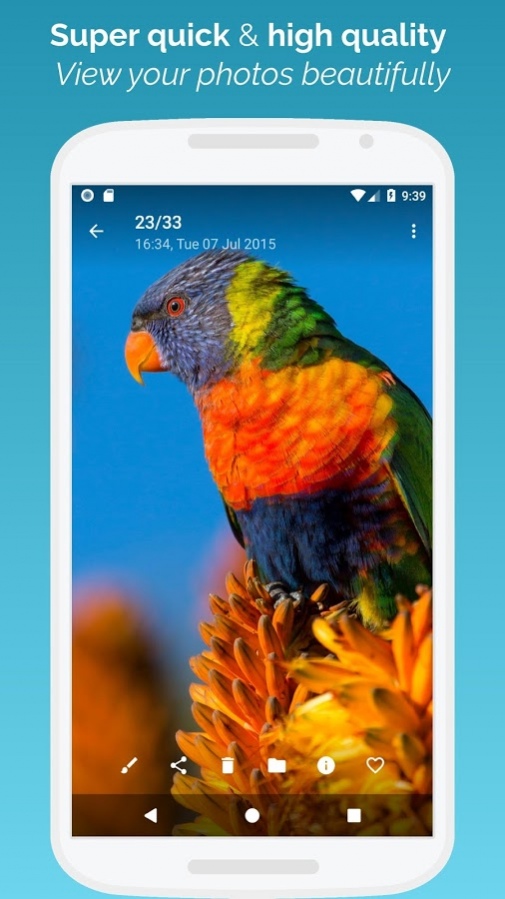

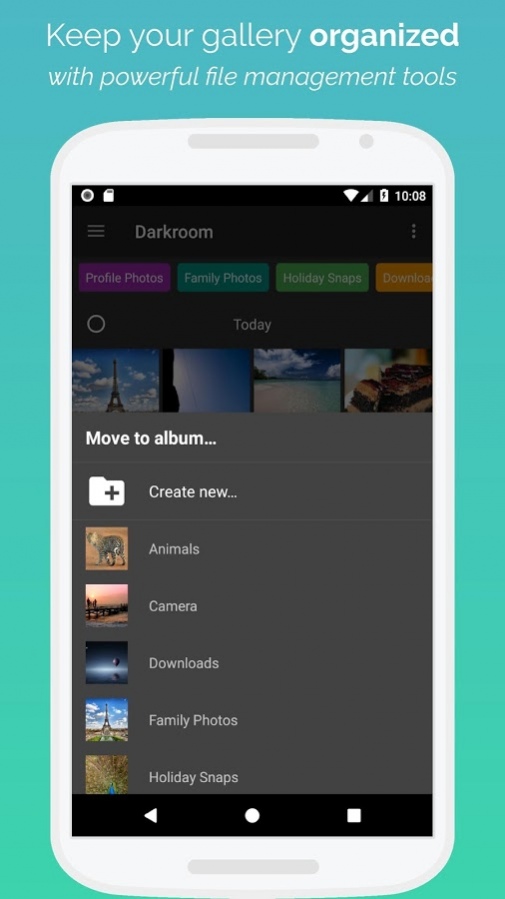
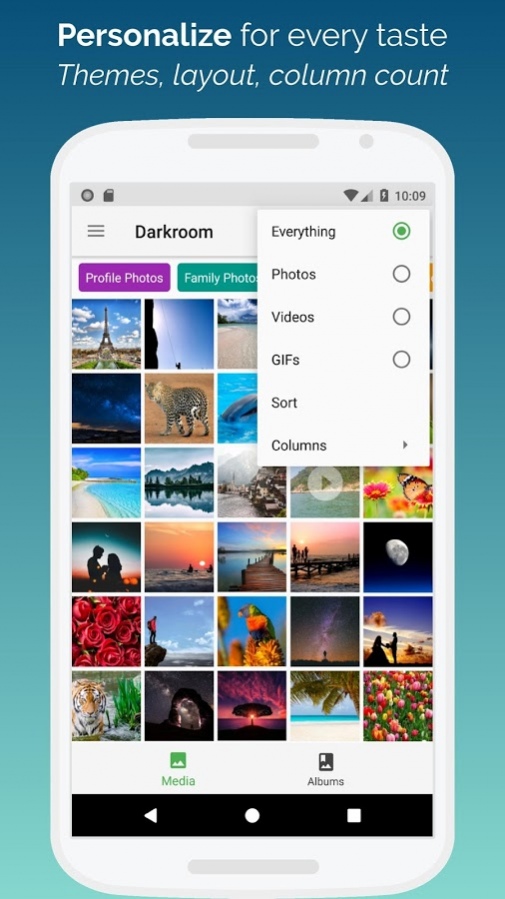
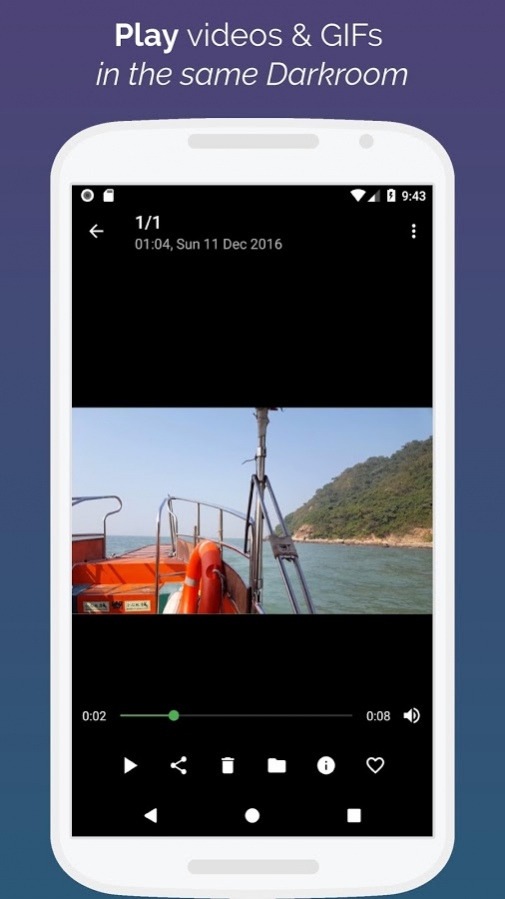
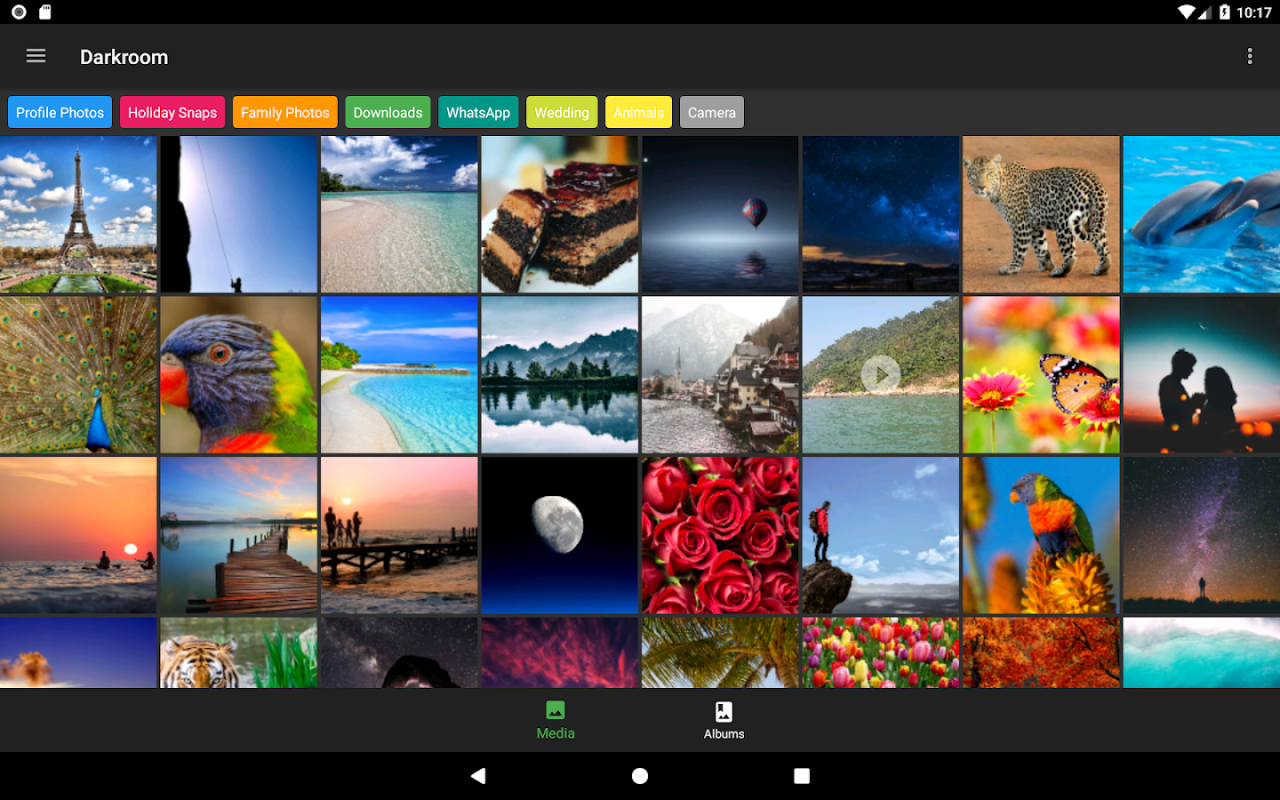
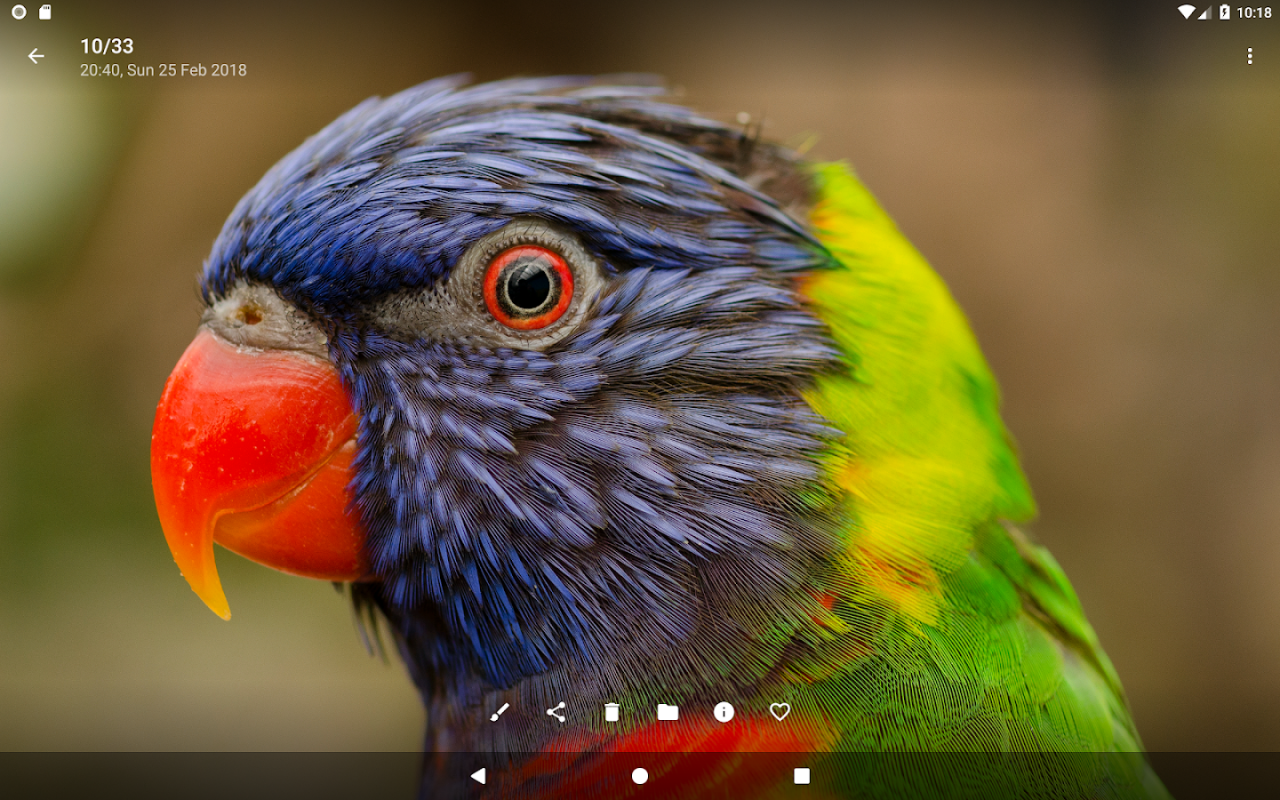
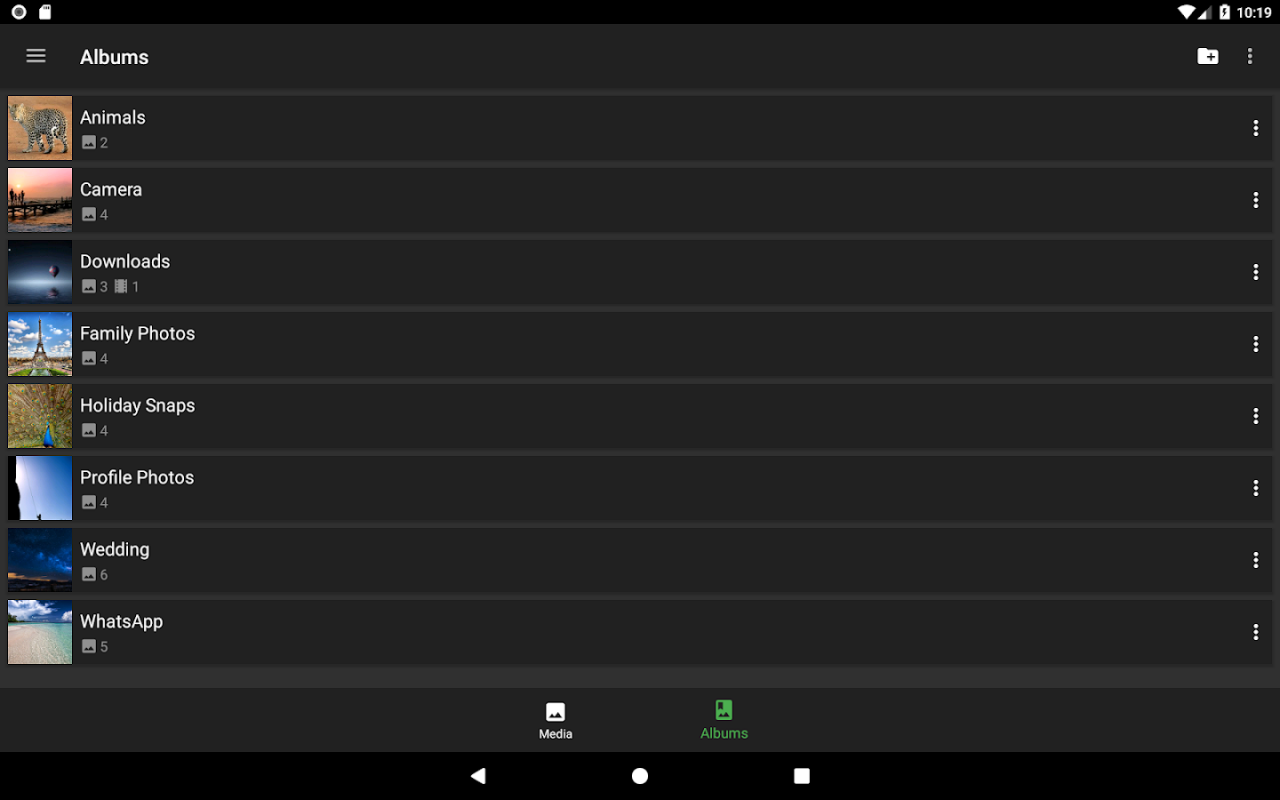
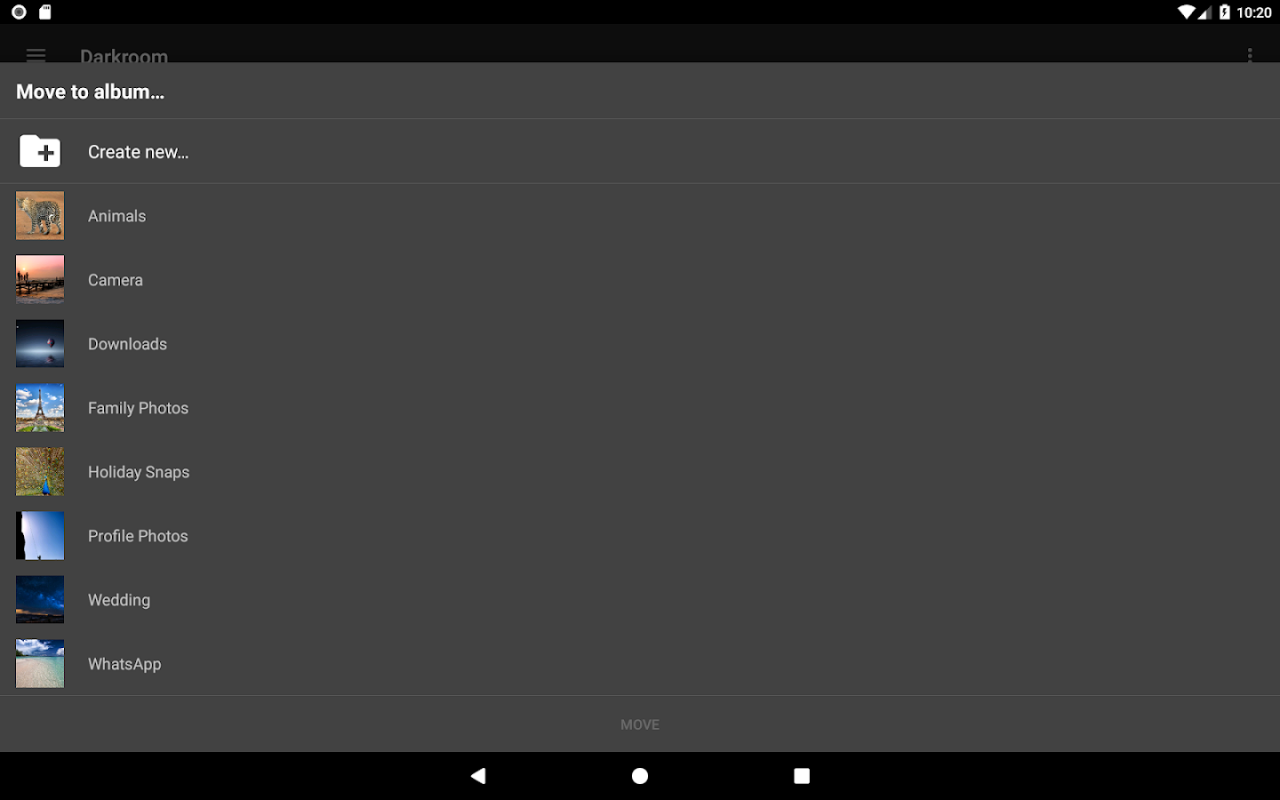
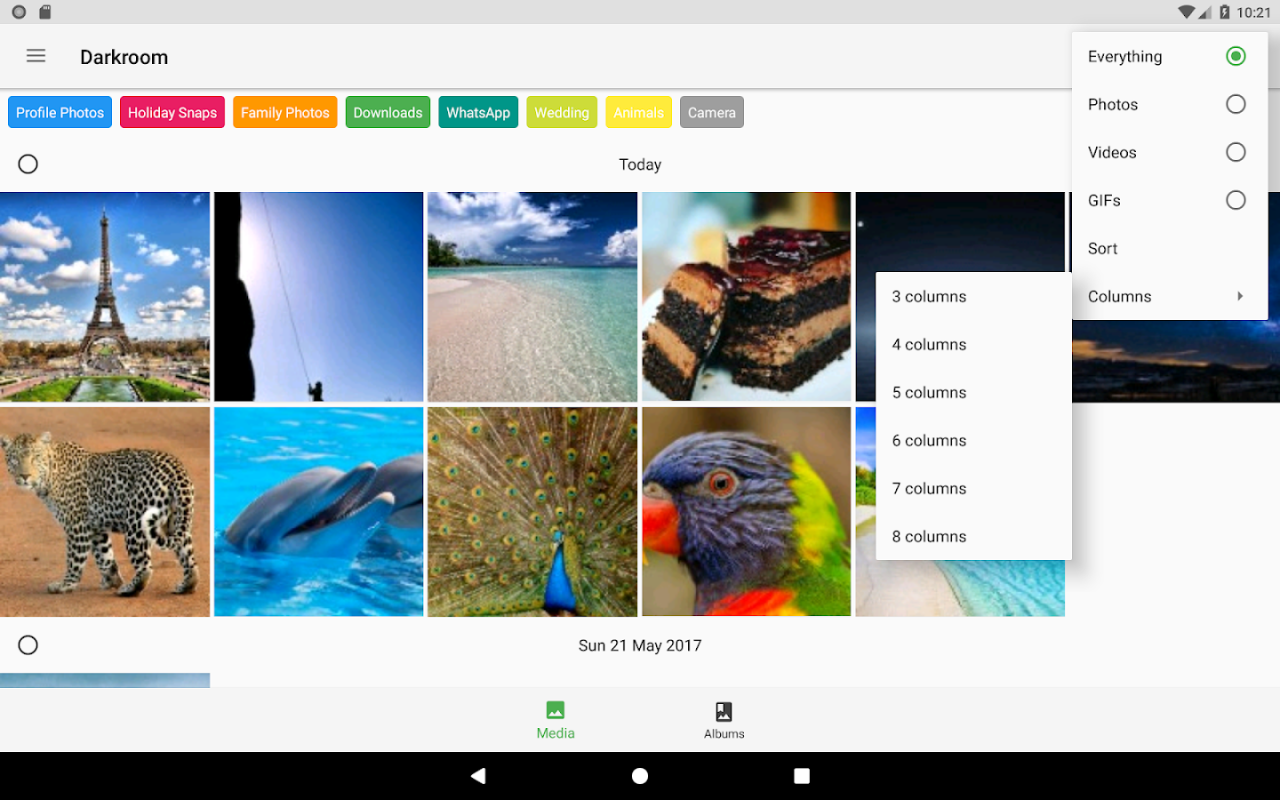

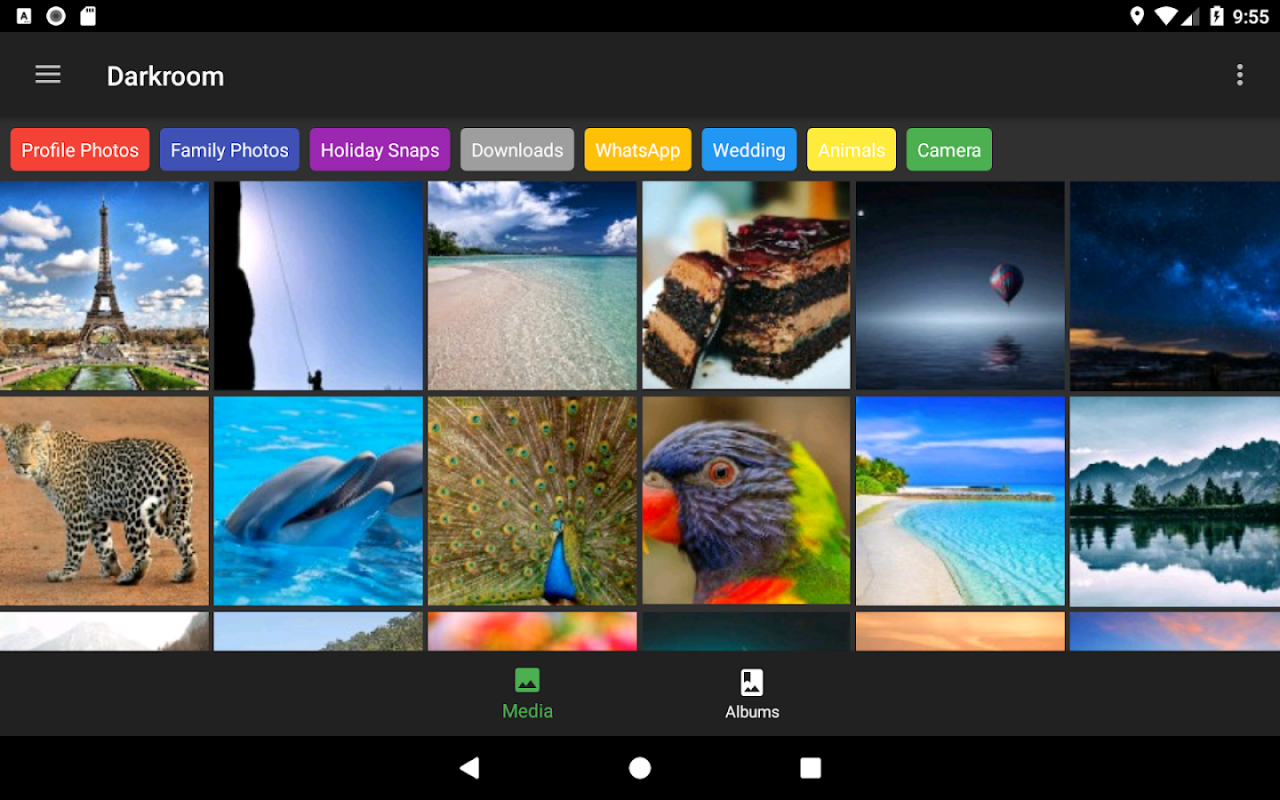
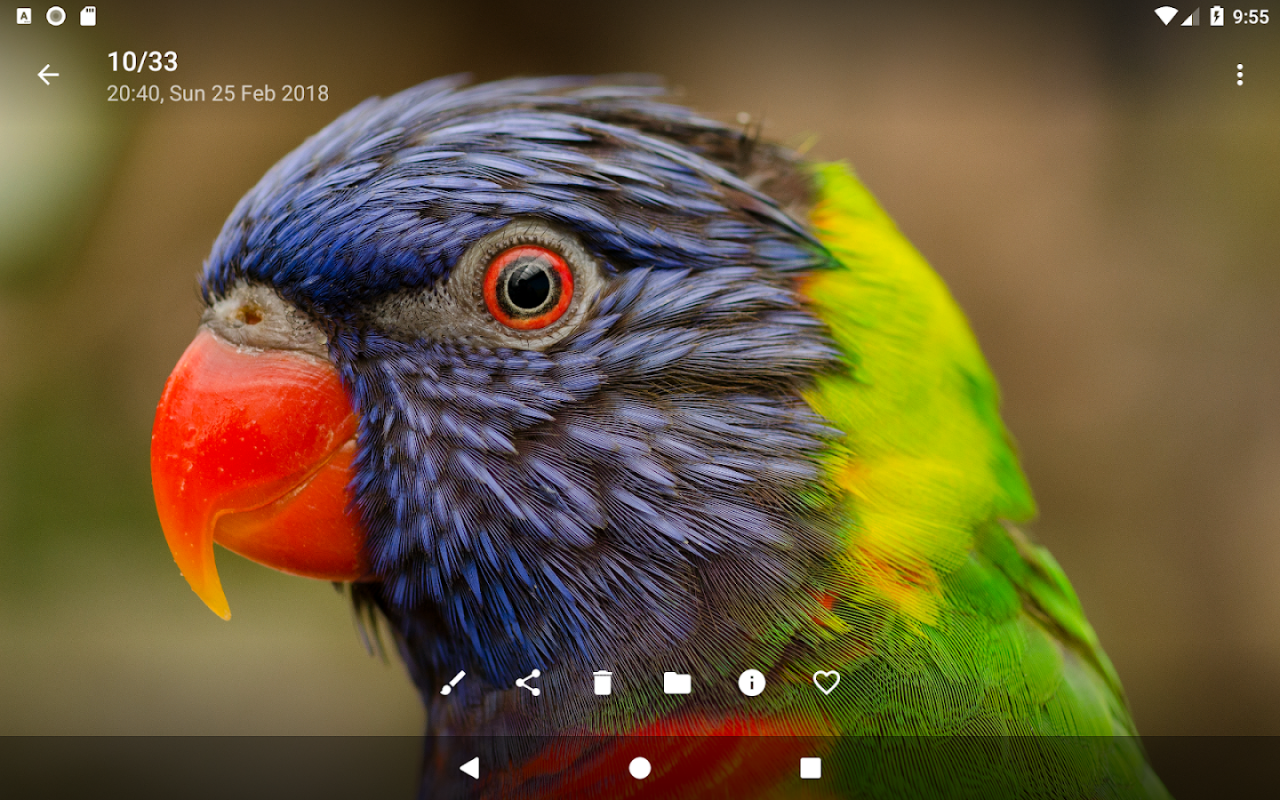
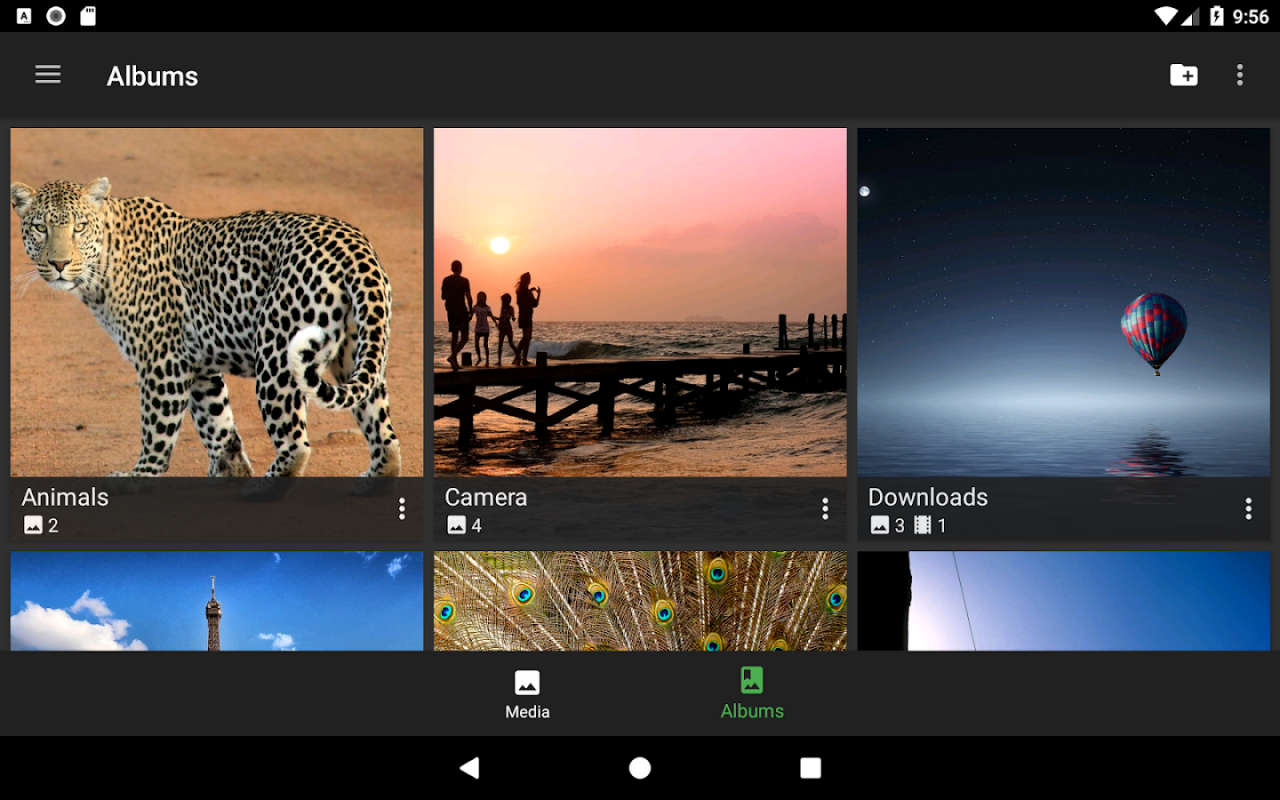
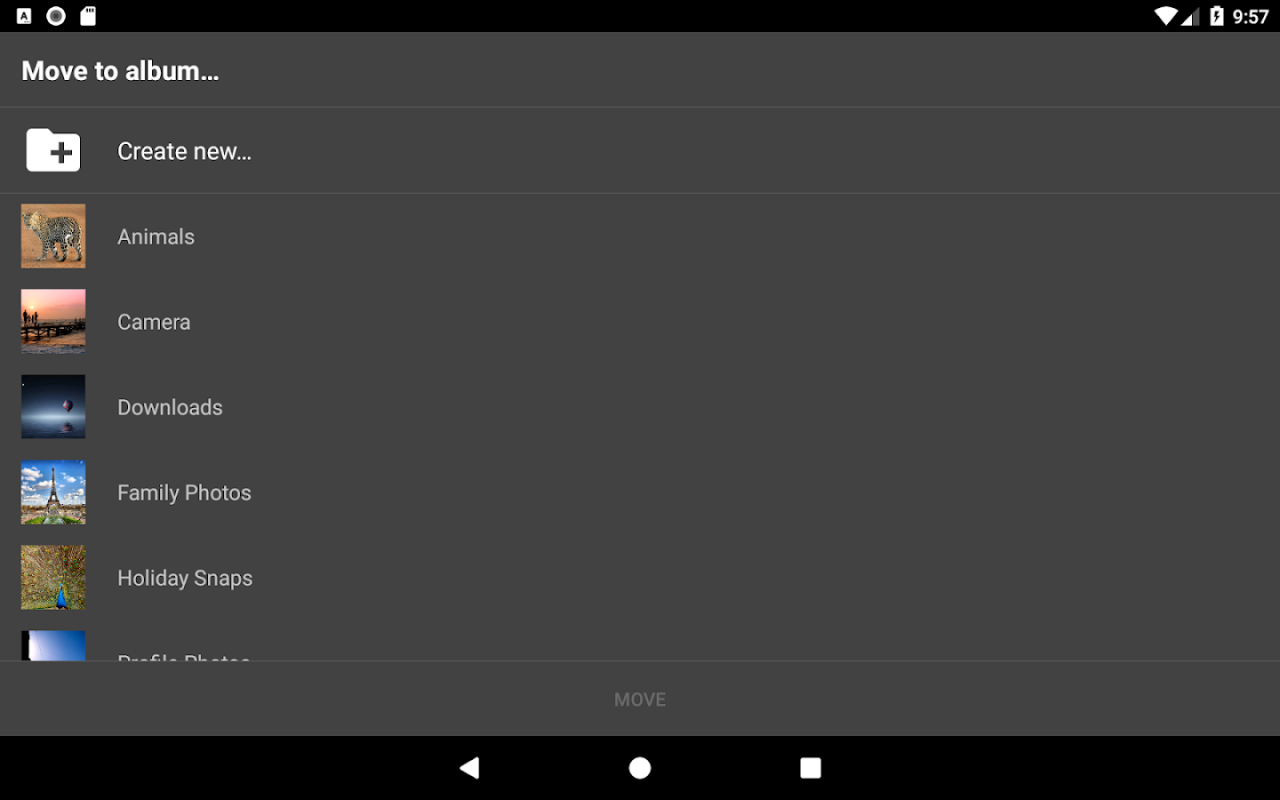
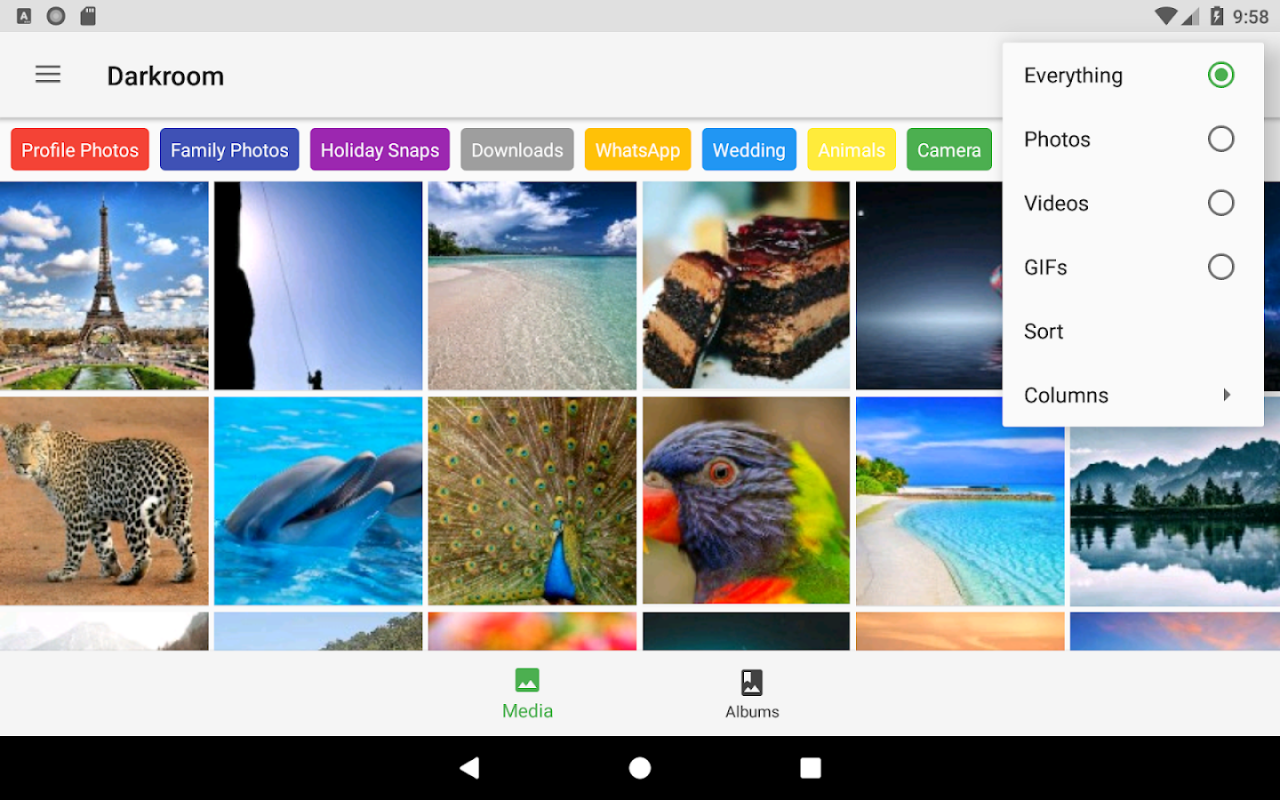
Keep organized and find your photos and videos with a tap. Darkroom is the ultimate gallery organizer for Android with powerful album management and SD card support.
Gallery organizer benefits
✔ Free to use
✔ Create and manage an unlimited number of albums for your holiday snaps, documents, recipes, weight loss progress, flight and travel tickets, etc - the possibilities are endless
✔ Batch organize capability - organize your photos and videos into albums quicker than any other app by using the organize tab
✔ Select and customise folders to organize, e.g. Camera, Downloads, Pictures, Screenshots, etc ((DCIM, Downloads and their subfolders are selected by default)
✔ Notification bubble always lets you know how many items are left to organize
✔ Shortcuts - quickly copy/move and repeat the last operation using the shortcuts feature
✔ Add media to albums using the uniquely designed album picker
✔ Free up space on your phone or tablet by deleting unwanted media quickly
✔ Hide unwanted albums such as emoji or album art folders
Gallery features
✔ Album management (create album, create folder, delete album, album details, add media to album)
✔ Full SD Card / External memory card support
✔ Hide albums and manage hidden albums
✔ Play GIF files and videos
✔ Theme - change the theme to dark or light, all colours are based on material design guidelines
✔ Media details, including photo EXIF information and location (open map for location, tap on any item to copy details, copy all details)
✔ Speed - fast loading images at the highest quality
✔ Fast thumbnail generation
✔ Automatically synchronised - detects when new photos & videos are taken or downloaded
✔ Orientation by sensor (rotation by sensor)
✔ Camera - access your favourite camera app from the menu
✔ Set as wallpaper, set as contact photo
Design features
✔ Android 7 Nougat and 7.1 ready
✔ Material design - built using Android standards
✔ Bottom navigation bar for quick access to all media, albums and organize
✔ Tabs for quick access to photos, videos, gifs and favourites
✔ Thumb tracker for quickly scrolling between items in the grid
✔ Sort your media by date taken, date added or date modified, group by day, month year or none
✔ Powerful and unique multi-select by using check boxes to quickly select multiple photos & videos for batch operations such as copy to album, move to album, delete or share
✔ Built-in Video player
Media support
- Images: gif, jpeg, jpg, jpe, png, webp, bmp
- Videos: 3gp, 3gpp, 3g2, mp4, ts, webm, mkv
- GIF: gif
Translation
Translation volunteers: https://crowdin.com/project/darkroom-gallery
Congratulations for getting this far! What are you waiting for? Download Darkroom now to take advantage of all of the above benefits & features.
About Darkroom Gallery
The company that develops Darkroom Gallery is Mobato. The latest version released by its developer is 9.4.0.
To install Darkroom Gallery on your Android device, just click the green Continue To App button above to start the installation process. The app is listed on our website since 2018-01-28 and was downloaded 0 times. We have already checked if the download link is safe, however for your own protection we recommend that you scan the downloaded app with your antivirus. Your antivirus may detect the Darkroom Gallery as malware as malware if the download link to com.mobato.gallery is broken.
How to install Darkroom Gallery on your Android device:
- Click on the Continue To App button on our website. This will redirect you to Google Play.
- Once the Darkroom Gallery is shown in the Google Play listing of your Android device, you can start its download and installation. Tap on the Install button located below the search bar and to the right of the app icon.
- A pop-up window with the permissions required by Darkroom Gallery will be shown. Click on Accept to continue the process.
- Darkroom Gallery will be downloaded onto your device, displaying a progress. Once the download completes, the installation will start and you'll get a notification after the installation is finished.
Program Details
System requirements
Download information
Pricing
Version History
version 9.4.0
posted on 2018-01-28
NEW!
- Display SD Card icon on thumbnails (can be disabled from settings)
Fixes:
- automatically exclude service / device folders
- fixed app crashes that made the app unusable for some users
version 4.7.0
posted on 2016-09-15
Welcome to 'Darkroom': the new name for the app!,Introducing Feed: a new way to explore your photos & videos!,Bug fixes:,- improved toolbars for the darkroom with better gradients, shadows & button colors,- fixed video thumbs to display with correct aspect ratio & not fill up entire screen,- fixed zoomed images to only scroll to next/prev image if edge is reached,- improved memory usage & crash fixes
Disclaimer
Official Google Play Link
We do not host Darkroom Gallery on our servers. We did not scan it for viruses, adware, spyware or other type of malware. This app is hosted by Google and passed their terms and conditions to be listed there. We recommend caution when installing it.
The Google Play link for Darkroom Gallery is provided to you by apps112.com without any warranties, representations or guarantees of any kind, so access it at your own risk.
If you have questions regarding this particular app contact the publisher directly. For questions about the functionalities of apps112.com contact us.
